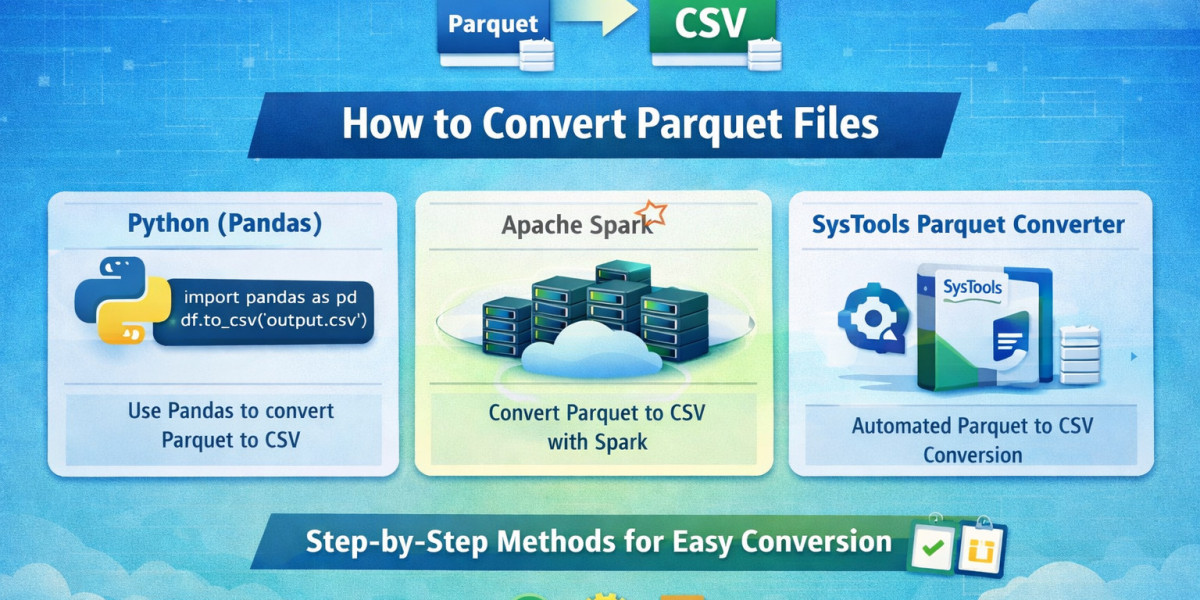
Parquet is a popular columnar storage file format widely used in big data processing frameworks like Apache Spark and Hadoop. While it is efficient for analytics, many users struggle with accessibility since Parquet files are not directly supported by common tools like Excel.
If you are wondering how to convert Parquet files, this guide will walk you through multiple reliable methods with detailed steps.
Why to Export Parquet Files?
There are several reasons why users need to learn how to convert Parquet files:
- Easy access in tools like Excel
- Better data sharing and collaboration
- Simplified data analysis
- Compatibility with multiple platforms
The most common conversion is to CSV, as it is universally supported. That’s why many users search for ways to convert Parquet files to CSV efficiently.
Method 1: How to Convert Parquet Files Using Python (Pandas)
Python is one of the most popular ways to handle Parquet files. The Pandas library makes the process simple and efficient. The steps are:
- Install required libraries:
pip install pandas pyarrow - Import libraries in Python:
import pandas as pd - Load the Parquet file:
df = pd.read_parquet("file.parquet") - Convert and save as CSV:
df.to_csv("output.csv", index=False)
Method 2: How to Convert Parquet to CSV Format? Direct Method
Parquet is a powerful columnar format designed for efficient storage and analytics, but it is not easily accessible in everyday tools like spreadsheets or basic databases, prompting users to seek how to convert Parquet files. For a quick and reliable solution, the SysTools Parquet Converter Tool simplifies the entire process with an easy-to-use automated interface. The steps to use this tool are:
- Install and run the conversion software.
- Click on Add Files/Add folders to browse the required Parquet file.
- Choose CSV file format for export.
- Select Destination Folder.
- Click on the Export button for quick file conversion.
Method 3: How to Convert Parquet File through Excel Power Query (Advanced)
Excel’s Power Query feature can sometimes help import external data. The steps are:
- Open Excel
- Go to Data > Get Data
- Choose From Other Sources
- Use connectors (if available) or intermediate formats
- Load data into Excel
Conclusion
Understanding how to convert Parquet files is essential for making your data accessible and usable across various platforms. Whether you choose Python, Spark, online tools, or an automated solution, each method has its own advantages.
If your goal is to convert Parquet files to CSV quickly and securely, choosing the right method will save you time and effort. For non-technical users or professionals dealing with bulk data, the above-mentioned tool stands out as the most efficient and user-friendly option. It simplifies the entire process and ensures accurate results without complexity.